Home
What's Happening This Week
Live Blackboard Collaborate Sessions
- Mini-lectures and Activities Tue Jun 16th 2:30pm PDT
- Review and Discussion Thur Jun 18th 2:30pm PDT
Important Reminders
- Usability Inspection Assignment Jun 15th 11:59pm PDT
- Usability Inspection Assignment Peer Reviews Jun 17th - 21st
Required Readings & One-Minute Summaries
- Prototyping 101: The Difference between Low-Fidelity and High-Fidelity Prototypes and When to Use Each | Adobe Blog (1 of 3) Jun 17th 11:59pm PDT
- Design Scenarios Jun 17th 11:59pm PDT
- How To Create A Low-Fidelity Prototype Like An App Expert Jun 17th 11:59pm PDT
Online Office Hours this Week
Zoom Open Office Hours:
Wednesdays 12:30-1:30pm PDT
Zoom 1-on-1 Office Hours:
Wednesdays 1:30-2:00pm PDT
Online Office Hours 1-on-1 Chat:
Wednesdays 12:00-12:30pm PDT
Fridays 12:00-12:30pm PDT
Online Office Hours 1-on-1 Chat (right here):
Wednesdays 12:00-12:30pm PDT
Fridays 12:00-12:30pm PDT
Looking Ahead to Next Week
Week 7 Live Blackboard Collaborate Sessions
- Mini-lectures and Activities Tue Jun 23rd 2:30pm PDT
- Review and Discussion Thur Jun 25th 2:30pm PDT
Week 7 Required Readings and One-Minute Summaries
- 5 Qualitative Research Methods, a Video (5 minutes)
- A 5-Step Process For Conducting User Research (20 minute read)
- How to Leverage Thematic Analysis for Better UX (12 minute read)
- 7 Alternative User Research Methods (5 minute read)
Week 7 Group Assignment
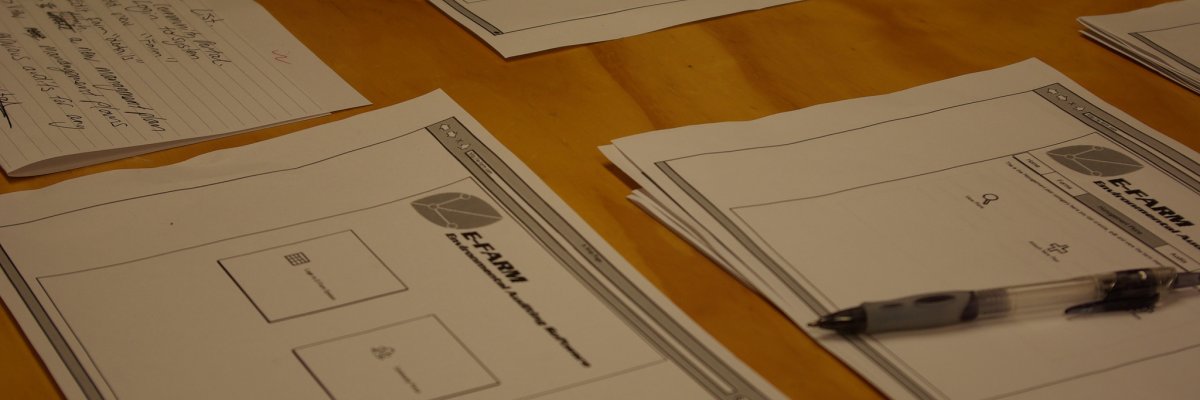
How to explore and communicate possible design solutions?
Required Readings
Prototyping 101: The Difference between Low-Fidelity and High-Fidelity Prototypes and When to Use Each | Adobe Blog (11 minute read)
Design Scenarios (16 minute read, incl. slides)
How To Create A Low-Fidelity Prototype Like An App Expert (11 minute read)
View all of Week 6 (Jun 13 - 19)

How to plan, conduct, and summarize usability tests?
Required Readings
UX design: how to conduct usability testing (18 minute read)
Write Better Qualitative Usability Tasks: Top 10 Mistakes to Avoid (10 minute read)
View all of Week 5 (Jun 6 - 12)
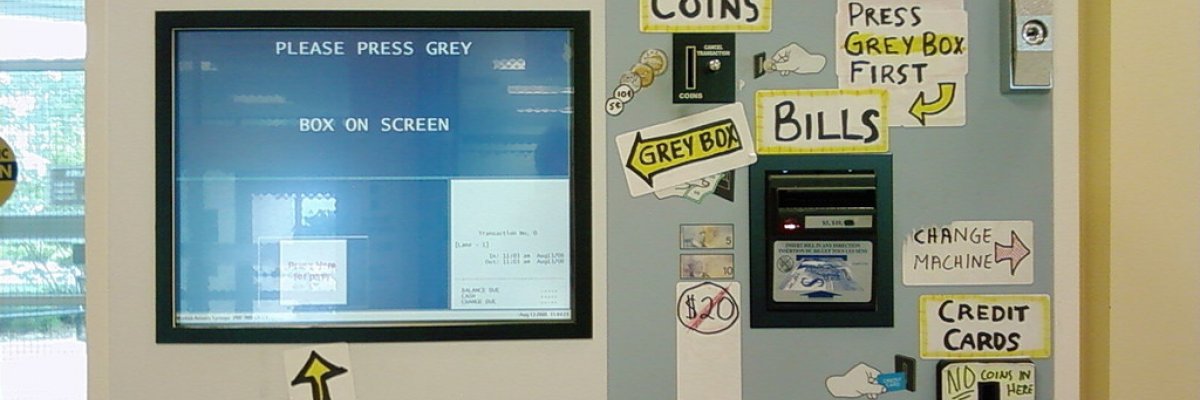
How to conduct a user interface inspection?
Assessing usability with Cognitive Walkthrough (14 minute read)
An Overview of Expert Heuristic Evaluations (12 minute read)
Design Heuristics Lecture with Scott Klemmer, a Video Playlist (35 minutes in total)
Severity Ratings for Usability Problems (5 minute read)
View all of Week 4 (May 30 - Jun 5)

What is the practice of multi-device interaction design?
Interaction design: a guide for beginners (19 minute read)
HCI Laws (4 minute read)
The Myths of Mobile Design and Why They Matter (8 minute read)
Touch Targets on Touchscreens (11 minute read)
View all of Week 3 (May 23 - 29)
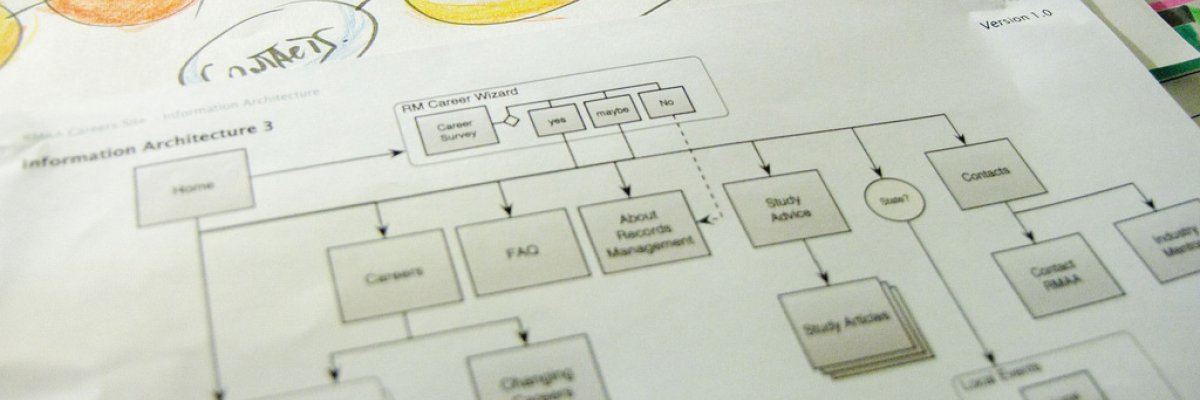
What does a holistic user experience design process look like?
Project Framework Comparisons: Agile vs. Waterfall vs. Hybrid vs. Lean (10 minute read)
What is User Experience Design, a Video (5 minutes)
The Evolution of UX Process Methodology (11 minute read)
View all of Week 2 (May 16 - 22)

Course overview / What is usability and user experience design?
Usability 101: Introduction to Usability (7 minute read)
Introduction to User Experience Design (8 minute read)
View all of Week 1 (May 12 - 15)
Course Welcome

Welcome to CMPT-363 User Interface Design, Summer 2020. To help orientate yourself to the course, explore the course syllabus. You may also want to view a brief tour of Blackboard Collaborate Ultra.
Is this your first fully online course? If so, you might find these articles might be of help:
- 8 Strategies for Getting the Most Out of an Online Class
- What Makes a Successful Online Learner?
- How to study at home during coronavirus – by online students and tutors
BCcampus recently launched a new website to help support students during the COVID-19 pandemic which you might also find to be a helpful resource throughout the term:
Weekly course materials will be posted here by Saturday of each week. One-minute summaries are due on Wednesday each week, and weekly review quizzes are due on Friday.
Have a suggestion or correction? Propose a Change to this Page
